
Multi Account Management for SoundCloud Artists
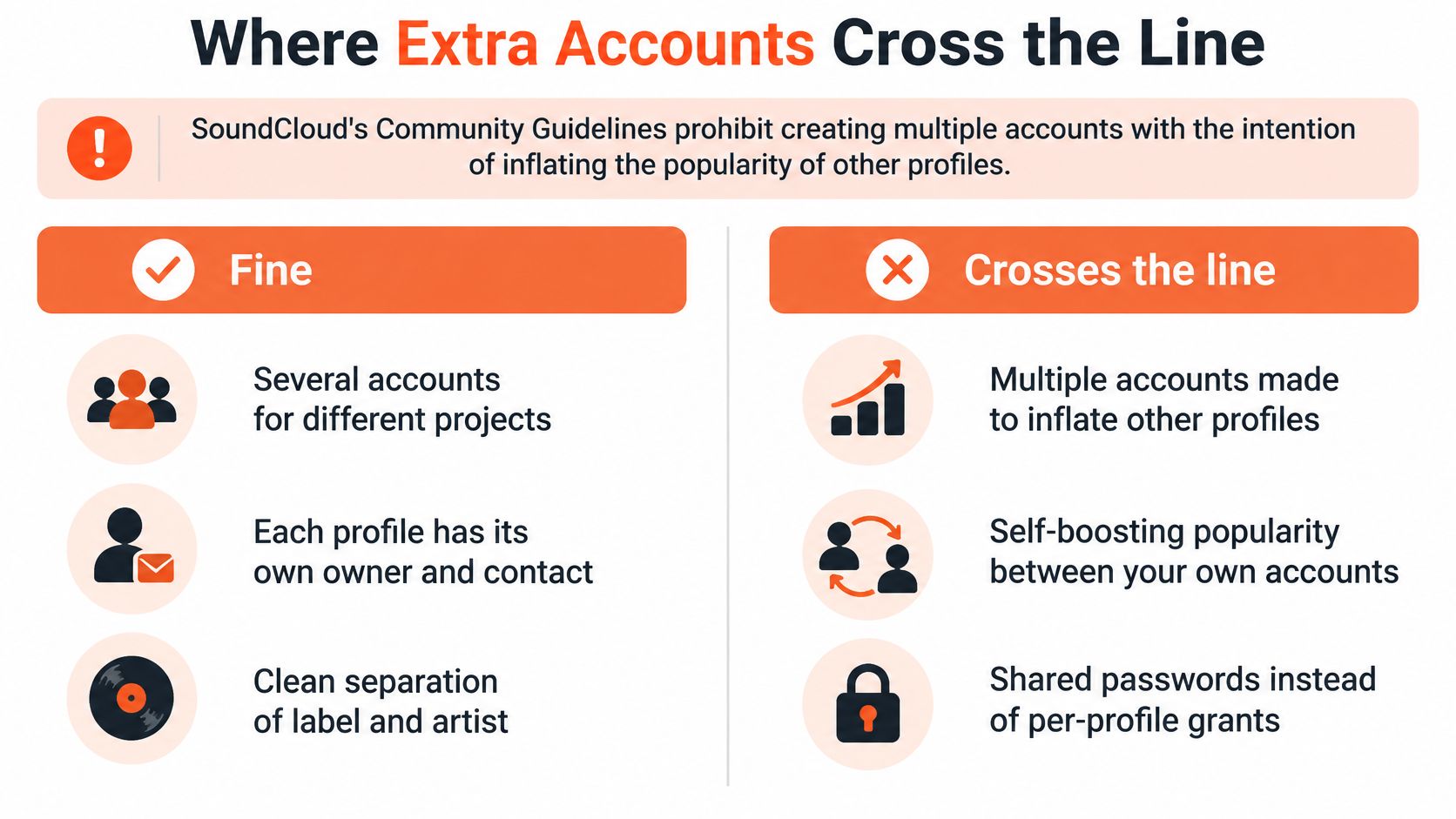
Having several accounts is normal. Using them to manufacture popularity isn't. SoundCloud's Community Guidelines prohibit creating multiple accounts with the intention of inflating the popularity of other profiles. That's a named restriction on multi-account use, and it draws a line most operators can hold without much interpretation.
The line isn't about how many profiles you run. It's about why each one exists.
| Situation | Verdict | Why |
|---|---|---|
| Label page plus each signed artist | Allowed | Distinct catalogs and owners |
| Alias with its own releases | Allowed | Separate identity, not a booster account |
| Manager access after the artist approves | Allowed | Delegated access; artist keeps recovery |
| Extra accounts created only to boost another profile | Not allowed | Community Guidelines bar inflating popularity |
| Password shared in a group chat | Not allowed | Shared credentials blur ownership and spread compromise |
| Many users' content stored as one account | Not allowed | API terms require each user to authenticate |
The line the popularity rule draws
The practical test for a profile is whether it could stand alone in public. An alias that releases its own tracks passes. An alias that exists to comment on and approve the main page fails, because its only function is to move a number.
Shared passwords fail the same test for a different reason. They don't inflate anything, but they dissolve the ownership record that makes every other control possible, and they spread the consequences of one leak across everyone in the chat.
SoundCloud's API terms of use add a related rule that catches teams who think of accounts as storage. Apps may not store personal data or user content from multiple users in one account, and each user must authenticate through their own account, with the request explaining which personal data is accessed and why. One workspace, one login, many people's data doesn't fit that model.
If you're still working out how profiles, tracks, and permissions fit together on the platform itself, this explainer on how SoundCloud works covers the parts that matter when you're holding a roster.
Who answers for the workspace
The person running the workspace is responsible for the activity on the account and for the artists, audiences, and recommendations they choose to review. That responsibility is concrete: if a profile sitting in your workspace exists to prop up another, the decision to keep it there is yours.
Our own terms rule out spam, fake engagement, abuse, and access to another person's account without permission, which matches the platform's position rather than extending it.
Drop any profile whose only role is to lift another. If removing it would leave the profile with no purpose, that was never a profile worth running.
Table of Contents
- The line the popularity rule draws
- Who answers for the workspace
- A Label Desk and a Solo Alias
- Give Each Profile Its Own Workspace
A Label Desk and a Solo Alias
Two ordinary setups show how the boundaries hold up in practice. One is a small label with staff churn. The other is one person with two names.
A label desk usually looks like one screen for the roster, another for whichever profile you're working in, and the ownership register open beside both.
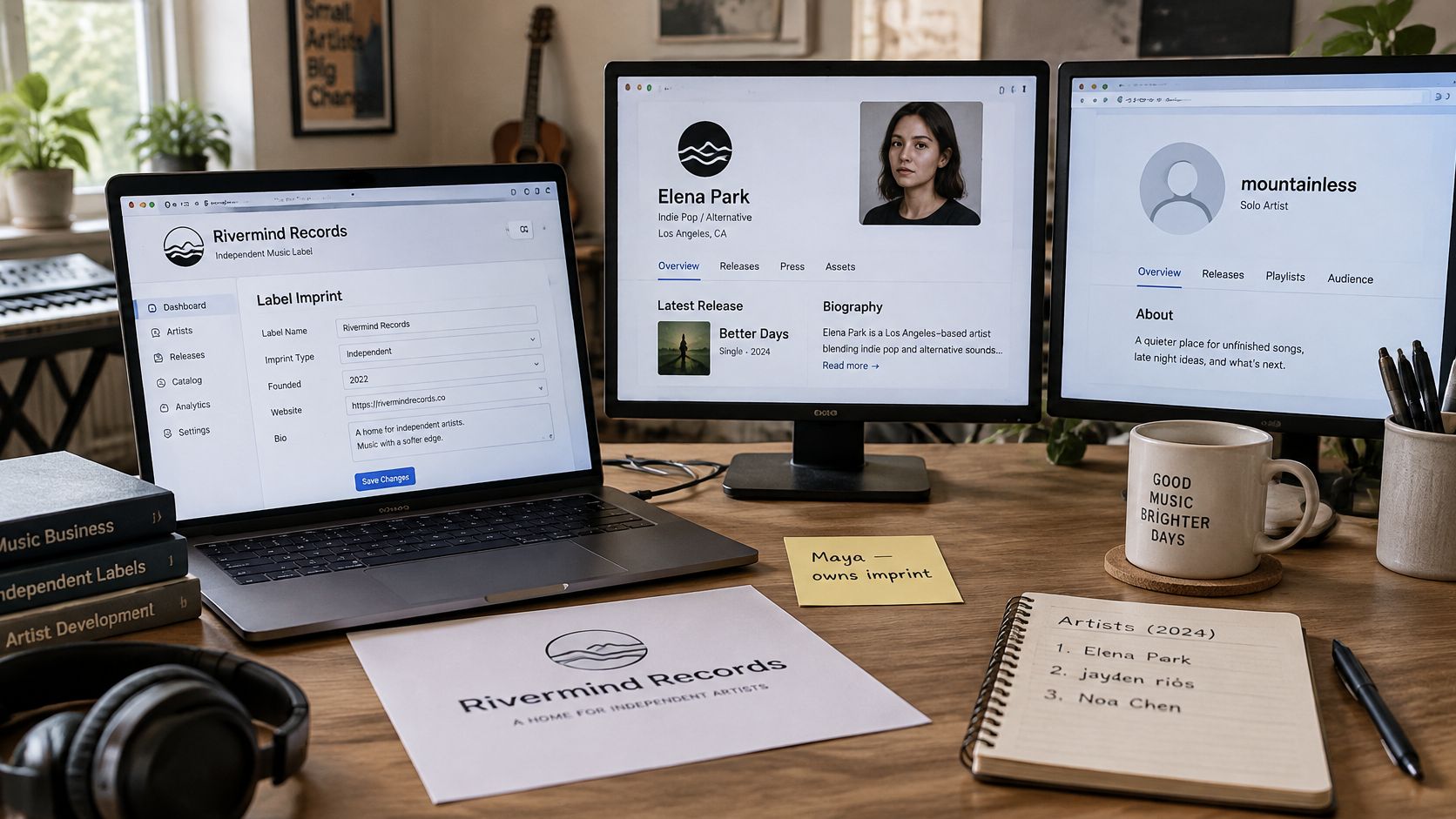
Northline, three artists, one imprint
Maya runs Northline, a three-artist label. The imprint page belongs to the label and its recovery sits with Maya as the owner. Each artist owns their own profile and their own recovery email, which is the arrangement that survives a bad month.
A freelance uploader had rights on the vocalist only. When that contract ended, Maya disconnected that one authorization and the vocalist signed in the same afternoon, with no reset, no scramble, and no change to the other two profiles.
Preferences stayed different on purpose. The UK garage listener list never touched the ambient project, and each profile kept its own history of who had already been considered.
Billing ran as three separate entitlements. Pausing the ambient campaign for a quarter had no effect on the vocalist's activity, because nothing about that profile's access depended on the other two.
The check at the end of the setup: owner named, recovery tested by the artist themselves, authorization limited to that one profile, audience history never copied across.
Jordan, one person and two names
Jordan produces under a main page and a club alias. The same human owns both, and SoundCloud still won't merge them, so Jordan keeps two recovery addresses rather than one inbox that fails both at once.
Jordan's workspace sign-in is their own, which is the piece that's allowed to be shared, since each profile grants its access separately. The alias holds its own catalog and its own releases, so it stands on its own.
The mistake to avoid is treating the alias as a spare loudspeaker for the main page. An alias with no catalog of its own fails the popularity rule, and it also confuses the audience record, because you can no longer tell which account a listener actually chose.
The same check applies here, with two names on it: owner named, recovery tested, authorization limited to that profile, audience history not copied across.
Give Each Profile Its Own Workspace
The useful next step is a decision on each row of the register, not another concept. Sort every profile into one of three states.
- Ready. The artist or label controls recovery, a named person approves the connection, and the profile has a real catalog of its own.
- Wait. Recovery still sits in a shared inbox or a departed freelancer's mail. Fix that first, before any connection is made.
- Do not connect. The profile exists to inflate another one. It doesn't get a workspace, and it doesn't stay on the roster.
What a per-profile setup means in practice
On SCHelper, you can connect and manage more than one SoundCloud account, and each plan covers the workspace for one connected account, so each SoundCloud profile you connect needs its own active subscription. If you're setting up several, you can contact us about volume discounts rather than guessing at a bundle. A profile can be disconnected later without affecting the others.
Treating each profile as its own unit isn't administrative fussiness. It's the same boundary the register records and the same one the platform enforces when it refuses to merge two accounts.
If you're also deciding which channels deserve a profile of their own, this roundup of social media growth tools is a reasonable place to compare approaches. And if written channels sit alongside your audio ones, the advice on how to manage newsletters without losing your voice applies the same separation logic to a different medium.
Start smaller than feels necessary. Complete one register row tonight, have that owner approve the connection themselves, and leave every other profile untouched until its row is clean.
SCHelper connects to a SoundCloud profile through secure OAuth, puts a curated set of listener recommendations in front of you each day, and waits for your confirmation before anything runs, with a separate subscription for each profile you connect. That per-profile structure is what lets you run a label page and two artist pages without one cancellation or one staff exit taking down the rest. Begin with the profile whose register row is already clean, and add the roster at SCHelper once each row is settled.