Subscription Terms and Conditions: A Plain-Language Guide
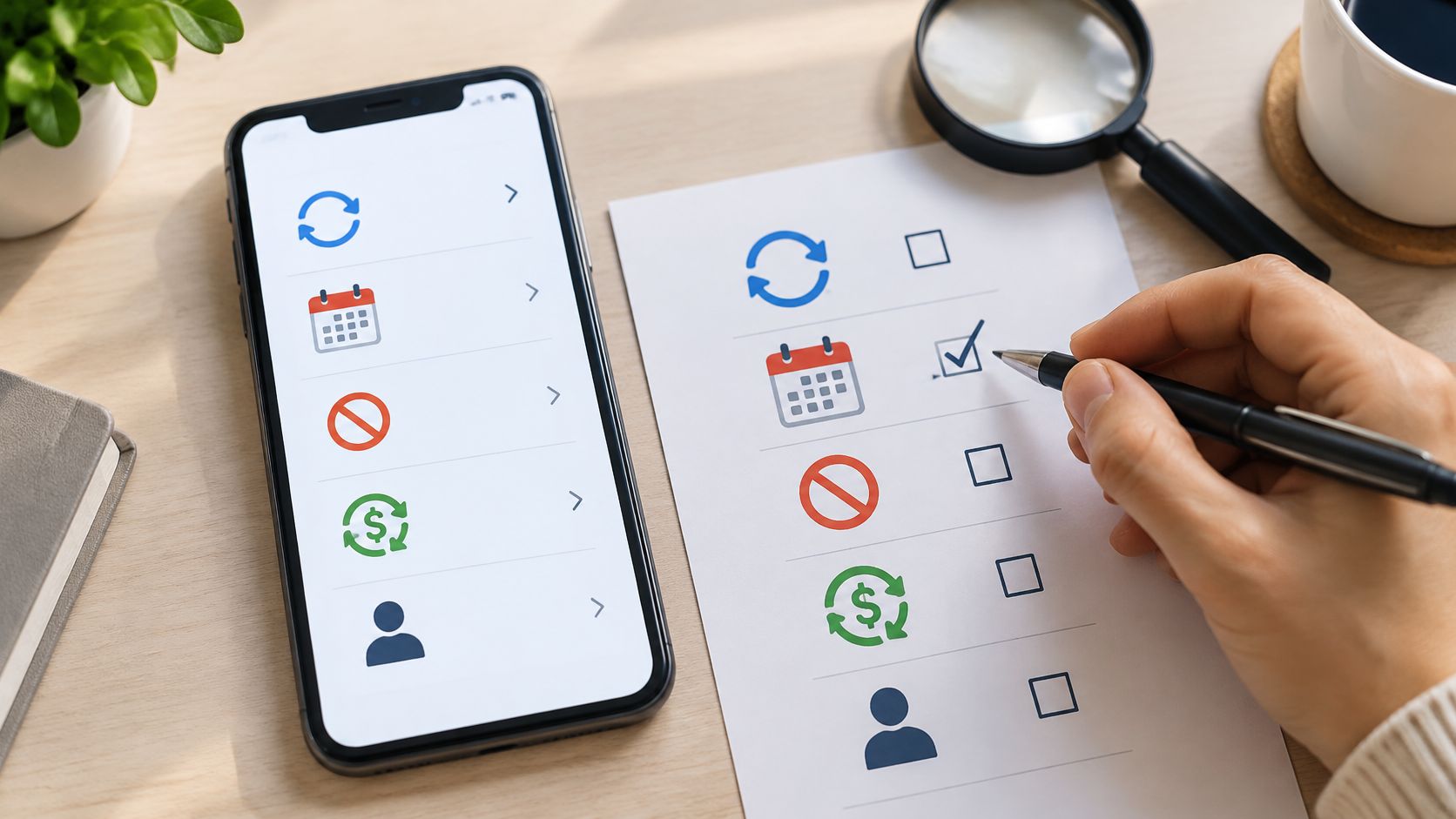
You're at checkout, ready to pay for a service that fits your next release or creative project. The price looks reasonable, but you're less sure what happens afterward: will it charge again, can you leave early, and does cancelling mean you get your money back?
Subscription terms and conditions answer different questions about money, access, and promises. A payment buys a defined period of service, but it doesn't necessarily guarantee a particular result. Before paying, you need to know both what you're authorizing the seller to charge and what the seller is committing to provide.
Table of Contents
- Key Subscription Terms and What Each One Means
- How Billing Periods and Auto-Renewal Work
- How to Cancel and Stop the Next Charge
- When a Refund Applies and When It Does Not
- What Happens to Access and Connected Accounts
- Check the Terms and Choose a Plan Before You Pay
Key Subscription Terms and What Each One Means
Say you skim a checkout page, buy access, and move on with your campaign. Months later, another charge appears, and you discover that the renewal rule sat inside a paragraph you never read. You thought you were buying a package; the seller treated your purchase as permission to keep billing.
That confusion starts when several distinct terms look interchangeable. Billing period, renewal deadline, and cancellation effective date all concern timing, but each answers a different question.
Core subscription terms and what to verify
| Term | What It Means | What to Verify |
|---|---|---|
| Billing period | How long one charge covers, like the rental period on equipment | Whether it is 1, 3 or 6 months and the total price |
| Billing date | The day each charge is taken, like a scheduled rent payment | The first charge date and the next one shown |
| Auto-renewal | The plan continues unless you act, like a gym membership that keeps running until you give notice | Whether renewal is on by default |
| Renewal deadline | The last moment to cancel before another charge, like a booking's cancellation cutoff | The exact date and time cutoff |
| Cancellation effective date | When access stops after cancelling, like the date your building pass stops working | Whether access ends immediately or at period end |
| Withdrawal right | A statutory opportunity to change your mind, like a legally protected cooling-off window | Whether it applies and how many days it lasts |
| Refund policy | The rules for returning a payment, like a shop's return conditions | Refund triggers and the claim window |
| Account access | What remains usable after ending the plan, like which doors your membership card still opens | Connected accounts and any data retention rules |
Read across each row rather than treating the terms as separate fine print. A long billing period doesn't tell you whether the seller will renew it, and a cancellation button doesn't tell you whether the seller will return unused fees.
Separate permission from payment
Software subscriptions may also include a license, meaning permission to use the software under specified conditions. Rankozo's explanation of how license clauses drive costs is useful when comparing the price of access with restrictions on who can use it and how.
Privacy is another separate question. Our privacy policy is the place to review data-handling information, rather than assuming that ending billing also deletes account information.
Before paying: Any term you can't explain in a sentence is a term to check.
A useful test is to finish this statement: “This payment gives me access until ___, the next charge is ___, and I must act by ___ to prevent it.” Empty spaces mean you still need an answer.
How Billing Periods and Auto-Renewal Work
Negative-option billing means the seller keeps charging unless you take a defined action. Your silence, rather than a new purchase decision, allows the arrangement to continue. That makes the cancellation deadline just as important as the advertised price.
In its announcement of a final click-to-cancel rule on October 16, 2024, the Federal Trade Commission described making cancellation as easy as enrollment and reported nearly 70 negative-option-related complaints per day in 2024, compared with 42 per day in 2021. That announcement provides historical regulatory context, not a substitute for checking which legal requirements currently apply to your contract.
Billing models compared by charge timing and access
These are illustrative arrangements, not a promise that every seller uses the same access rules.
| Billing Model | When Charged | Renews Automatically | Access After Cancellation |
|---|---|---|---|
| Monthly rolling | At the start of each billing month | Yes, until cancelled | Through the paid month |
| Fixed term without renewal | Once, at purchase | No | Through the paid term |
| Prepaid multi-month with auto-renewal | Once per term | Yes, at term end | Through the paid term |
| Free trial converting to paid | When the trial ends | Yes, unless cancelled before the trial ends | Through the trial, or the paid term if already converted |
The important distinction is duration versus renewal. “Prepaid” describes when you pay. “Fixed term” describes the length of access. Neither label, by itself, tells you whether another term will begin.
For businesses comparing billing systems, KeenVerdict's guide can help them find recurring invoicing software. For buyers, the practical concern is whether the seller displays the resulting schedule clearly before taking payment.
Put the arrangement on a calendar
Don't calculate the deadline solely from the last day you expect to use the service. The seller might specify a billing timestamp or time zone that you need to account for.
Look for three details beside the purchase button:
- Renewal status: Does the plan expire, or continue until you cancel?
- Next charge date: When will the seller attempt another payment?
- Renewal amount: What will that payment be, including the end of any introductory discount?
If the checkout only describes the initial payment, you haven't yet seen the full financial commitment.
How to Cancel and Stop the Next Charge
A cancellation works like a registered letter: the sending matters less than the proof of delivery. Clicking a button leaves no evidence, but a saved confirmation does. An ICPEN sweep involving consumer-protection agencies from 26 countries found that subscription services commonly failed to explain cancellation steps during enrollment and the deadline for avoiding another charge.
The practical workflow is straightforward, even when the seller's menus aren't.
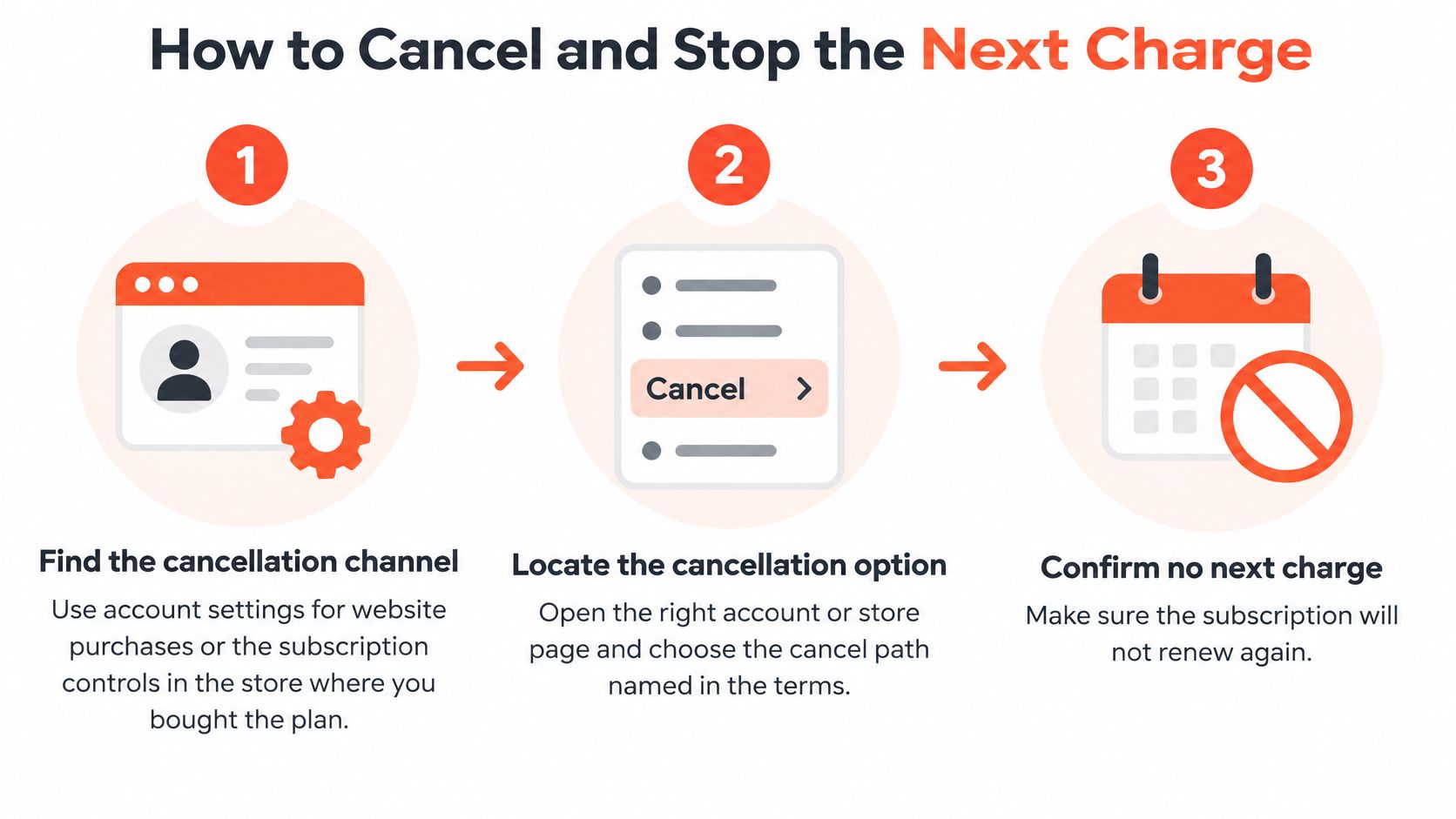
- Find the cancellation channel. Use the route named in your purchase terms, because the account where you manage the service and the record of the payment may sit in different places.
- Locate the renewal date on your account page or receipt. Record the stated time zone as well, so you aren't relying on a calendar date alone.
- Check pending payments first. With SCHelper, payments run through PayPal or Stripe, so open the relevant payment record, save its status, and confirm the cancellation route before the cutoff.
- Cancel before the renewal date rather than waiting until it arrives. A payment already initiated may need separate investigation.
- Read the cancellation outcome. Confirm whether you're stopping the next renewal or ending access immediately, and note the access end date. Buyers often mix these two up at checkout: stopping renewal leaves access running to the end of the paid term, while ending access closes it sooner. The first is the usual default; the second is rarely what you want mid-project.
- Save the confirmation screen or email. Keep the account identifier, request time, and confirmation reference together so support can trace the event.
- Check your next statement. If another charge appears, compare its transaction date and status with your cancellation evidence before contacting support.
Where SCHelper cancellations actually happen
One confusion deserves special attention. SCHelper is not affiliated with SoundCloud, so nothing about your plan is controlled from SoundCloud's own subscription settings. Cancelling or adjusting a SoundCloud Go plan, if you have one, does nothing to your SCHelper subscription, and the reverse is also true. They are separate services with separate billing.
An SCHelper plan is cancelled through your own SCHelper account. If you want to confirm the payment side, your PayPal or Stripe record shows the transaction status and can serve as supporting evidence. Because each SoundCloud account connected to SCHelper carries its own active subscription, cancelling one plan affects only that account. If you run several, repeat the process for each one and save a separate confirmation for every cancellation.
With us, you can cancel at any time or choose not to renew when your plan expires. If you don't cancel before the renewal date, you'll be charged, and no refund can be issued on that account for that renewal. That single sentence is the reason timing matters more than anything else on this page: the gap between “I meant to cancel” and “I cancelled before the deadline” is exactly where disputes are born.
Cancel early, keep proof, and verify the next statement.
Clear cancellation is a dispute-prevention control, not merely a courtesy. It gives both you and the seller evidence of what should happen next, and evidence is what turns an argument into a quick correction.
When a Refund Applies and When It Does Not
Disappointment alone doesn't establish a refund entitlement. A refund depends on the applicable terms and consumer law, including what the seller promised, what failed, and whether you submitted the claim within the relevant window.
Separate a service failure from a performance outcome. A discovery tool might provide the promised recommendations and account controls without producing the audience response you hoped for. Conversely, a tool that won't deliver the service you purchased raises a different question from a campaign that develops slowly.
Refund outcomes by situation
| Situation | Typical Treatment | What to Check |
|---|---|---|
| Service does not work properly | Refund available under the stated refund policy | Refund trigger wording and claim window |
| Charged after the renewal deadline | Usually not refundable for that renewal | Renewal cutoff and whether reminders are sent |
| Cancelled in the middle of a term | Access continues to the paid end; partial refund only if stated | Whether pro-rata refunds are offered |
| Platform rule change or results below expectations | Usually outside the refund unless promised | Whether any outcome is promised, and how service failure is defined |
“Charged after the renewal deadline” means you missed the cutoff before a scheduled renewal. It's not the same as being charged after a timely, completed cancellation or being charged without authorization.
Our service-failure policy is direct: if the service fails to function properly, we refund you, with no questions asked. That promise addresses functionality, rather than guaranteeing a particular audience result.
Make a claim easy to assess
Prepare a short claim containing:
- Payment details: Charge date, receipt, and plan length.
- The failure: What you expected the service to do and what happened instead.
- Evidence: Error messages, relevant screenshots, or cancellation confirmation.
- Requested remedy: The charge you want refunded and the policy provision supporting your request.
Don't assume temporary loss of a connected account automatically extends the subscription or creates a refund. Check the trigger wording and claim window before paying, particularly if your project depends on uninterrupted access.
What Happens to Access and Connected Accounts
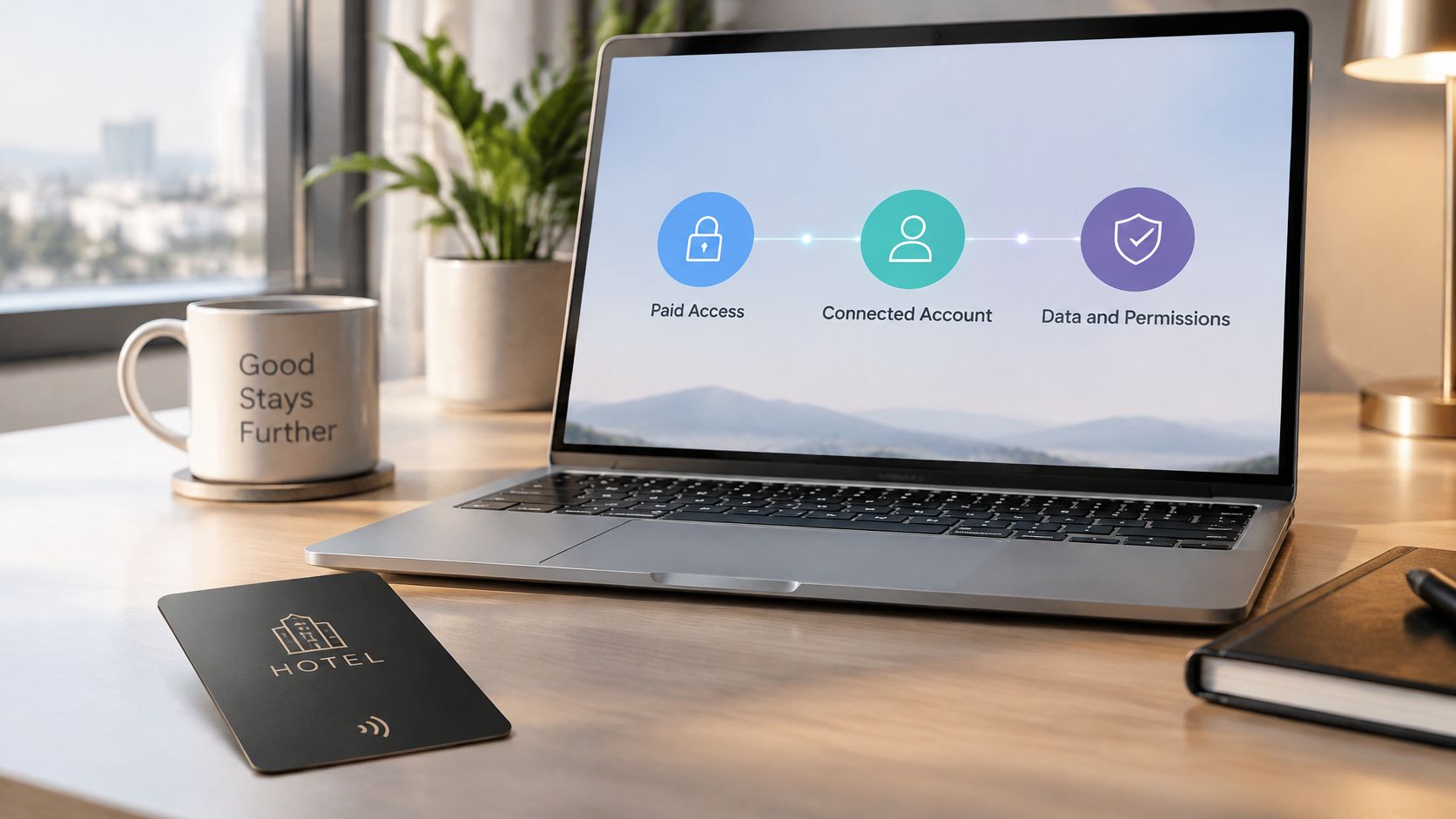
Think of a hotel key card: checking out and handing back the card are related actions, but they aren't the same action. With a connected service, ending paid access, removing the account connection, and dealing with retained data are also separate tasks.
You need to distinguish paid access, account authorization, and stored information. A billing change doesn't, by itself, tell you what happens to the other two.
A workspace login isn't a platform password
After purchasing from us, you're redirected to the login page and set a password for your workspace. That login is distinct from the authorization used to connect SoundCloud.
We connect through SoundCloud OAuth and don't store your SoundCloud password. SoundCloud's developer documentation specifies OAuth 2.1 with PKCE and documents a disconnect operation that revokes an application's access and invalidates tokens issued for the user.
Each connected SoundCloud account needs its own active subscription. Our multi-account management guide is useful when checking which profile belongs to which workspace arrangement, especially if you manage several artists.
Disconnect deliberately
You can disconnect your SoundCloud account from our workspace. When removing a connection, use this sequence:
- Open the connected-services area: Check the workspace and the platform's available application controls.
- Revoke the correct service: Match the application and profile before removing authorization.
- Verify removal: Refresh the list and confirm that the service no longer appears as authorized.
- Review billing separately: Don't treat revoked permission as proof that recurring charges have stopped.
If a connected account becomes temporarily unreachable, check whether the contract provides an extension, credit, or other remedy. Don't assume that lost connectivity pauses the paid term.
A disconnected account and a cancelled subscription are different outcomes. Confirm both if you want both.
Finally, review any separate deletion or retention process. Removing permission prevents continued authorized access through that connection; it doesn't establish that previously stored information has been erased.
Check the Terms and Choose a Plan Before You Pay
Read the checkout details before you reach for your card. The best plan is one whose duration, cost, and exit rules fit your actual project, not the option with the most appealing label.
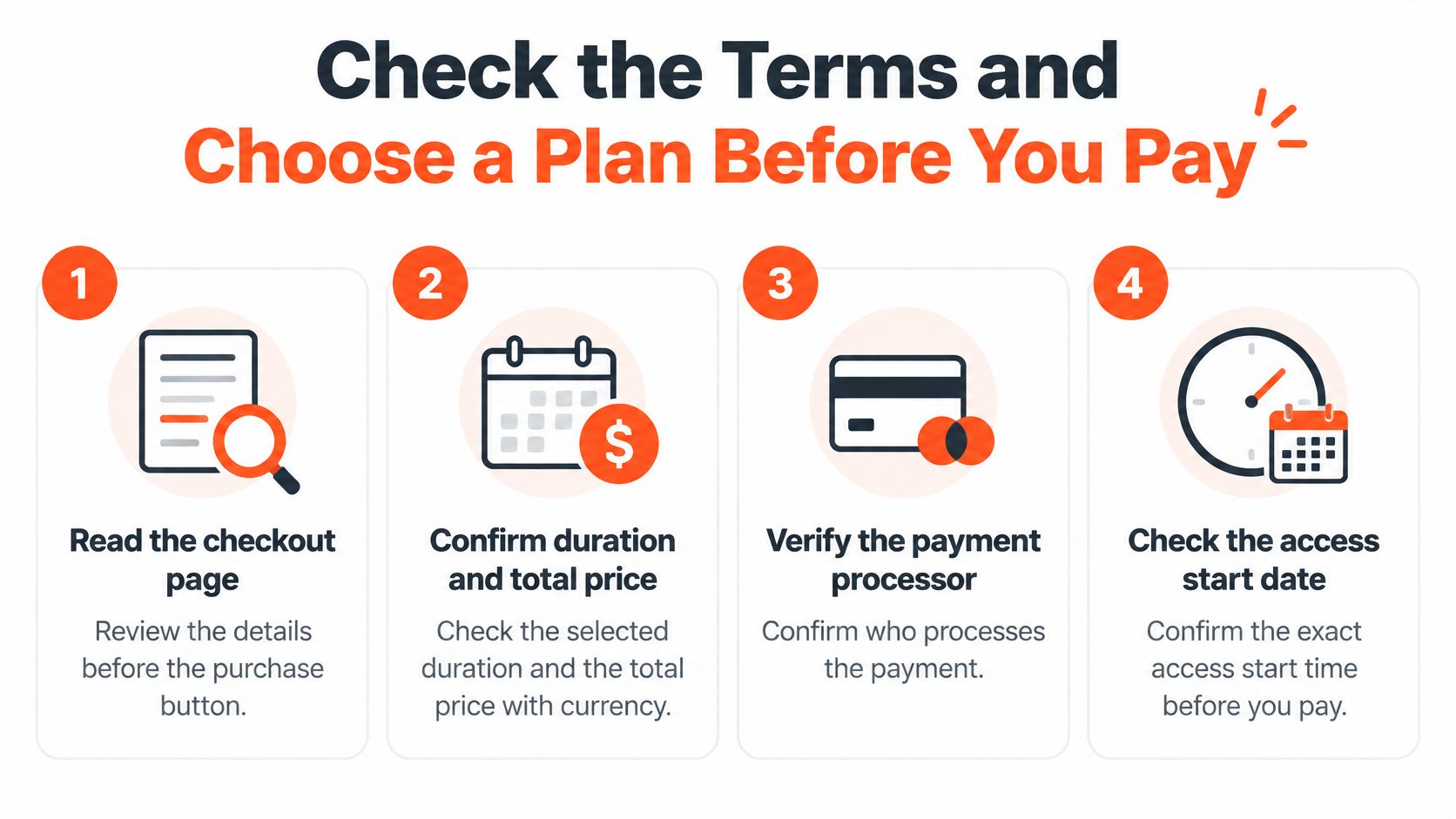
Use the purchase page as a decision checklist, and save what it says before completing payment.
Check the financial commitment
- Selected duration and total price: Confirm the full amount and currency, rather than relying on a monthly equivalent.
- Payment processor: Identify who handles payment. We accept PayPal and Stripe.
- Access start point: Check whether time starts at payment, activation, or another stated event.
- Expiry or renewal: Look for an explicit statement, not an inference from the plan name.
- Renewal interval and amount: Record what you'll pay after the initial term.
- Cancellation deadline: Capture the cutoff and any stated time zone.
- Refund and withdrawal rights: Read the qualifying conditions and the method for exercising them.
The FTC's published Negative Option Rule set out a disclosure framework covering charges, recurring billing, amounts, frequency, and the action needed to prevent further charges, with material disclosures adjacent to consent. Treat that document as a historical regulatory framework rather than assuming it establishes the currently enforceable rule for every purchase.
As a practical standard, recurring-payment consent should be separate, clear, and not pre-ticked. If the page mixes a purchase agreement with unrelated permissions, pause until you understand exactly what each control authorizes.
Choose for the work you intend to do
Consider two hypothetical purchases. A six-month plan without renewal creates a defined initial cost and an expiry date; a three-month plan with renewal enabled creates an initial cost plus further payments if you leave it running.
The longer initial term isn't automatically the more expensive commitment. Compare the amount you authorize now with the amount you could pay over your intended use, and account for any renewal price change.
For a short campaign, a non-renewing arrangement can provide a clean stopping point. For longer audience building, a longer term may suit your schedule, provided you understand the commitment.
Our pricing page lists these options:
| Plan | Price | Intended Use |
|---|---|---|
| 1 month | $9.99 | A month of targeted growth on one account |
| 3 months | $26.99 | Our most popular option, recommended for steady follower growth |
| 6 months | $53.99 | Longer-term audience building |
Each connected account requires its own subscription, and you can contact us for volume discounts when purchasing multiple plans. Choose the duration for the work you intend to sustain, rather than treating the audience-building description as a guaranteed result.
Save the agreement and set your reminder
A useful purchase record includes the accepted terms version, timestamp, plan identifier, price, renewal status, and consent event. Keeping these details helps both sides establish what was displayed and authorized if a disagreement arises.
Under the EU Consumer Rights Directive, consumers generally receive a 14-day withdrawal period for online contracts, subject to applicable conditions, according to Inside Privacy's analysis, which also reports that 62% of consumers consulted experienced renewal of an inactive subscription without a reminder. Check how withdrawal applies to your purchase, particularly when digital access begins immediately, and set your own reminder rather than depending on an email.
Watch for renewal hidden in fine print, preselected consent boxes, prices revealed only after payment, and email-only cancellation without a stated deadline. Email support can be useful, but an unclear cutoff leaves you unable to plan.
Your final step before buying is simple: record the renewal date and schedule cancellation before it if you don't want another term. Save the checkout details alongside that reminder so the amount, deadline, and promised service remain easy to verify.
SCHelper offers curated listener recommendations and a controlled workspace for SoundCloud artists building an audience over time. Visit SCHelper to compare the available durations, review the cancellation and refund terms, and choose a commitment that fits your next release.